






Jarvis Lite
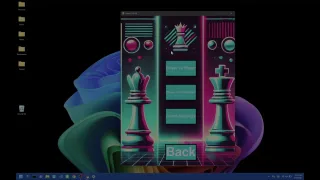
Wave your hands in the air and control any screen. You know how Tony Stark waves his hands and controls holographic displays? That's what we built at Hack the North.
Riding high from Project Reality, I thought: let's try it again, but more general. We were much more rigorous this time, with calibration, smoothing, Windows clicking integration and gesture recognition. But we lost motivation. It wasn't the same project technically, but it felt like it. When you repeat a project, you don't feel the same passion.
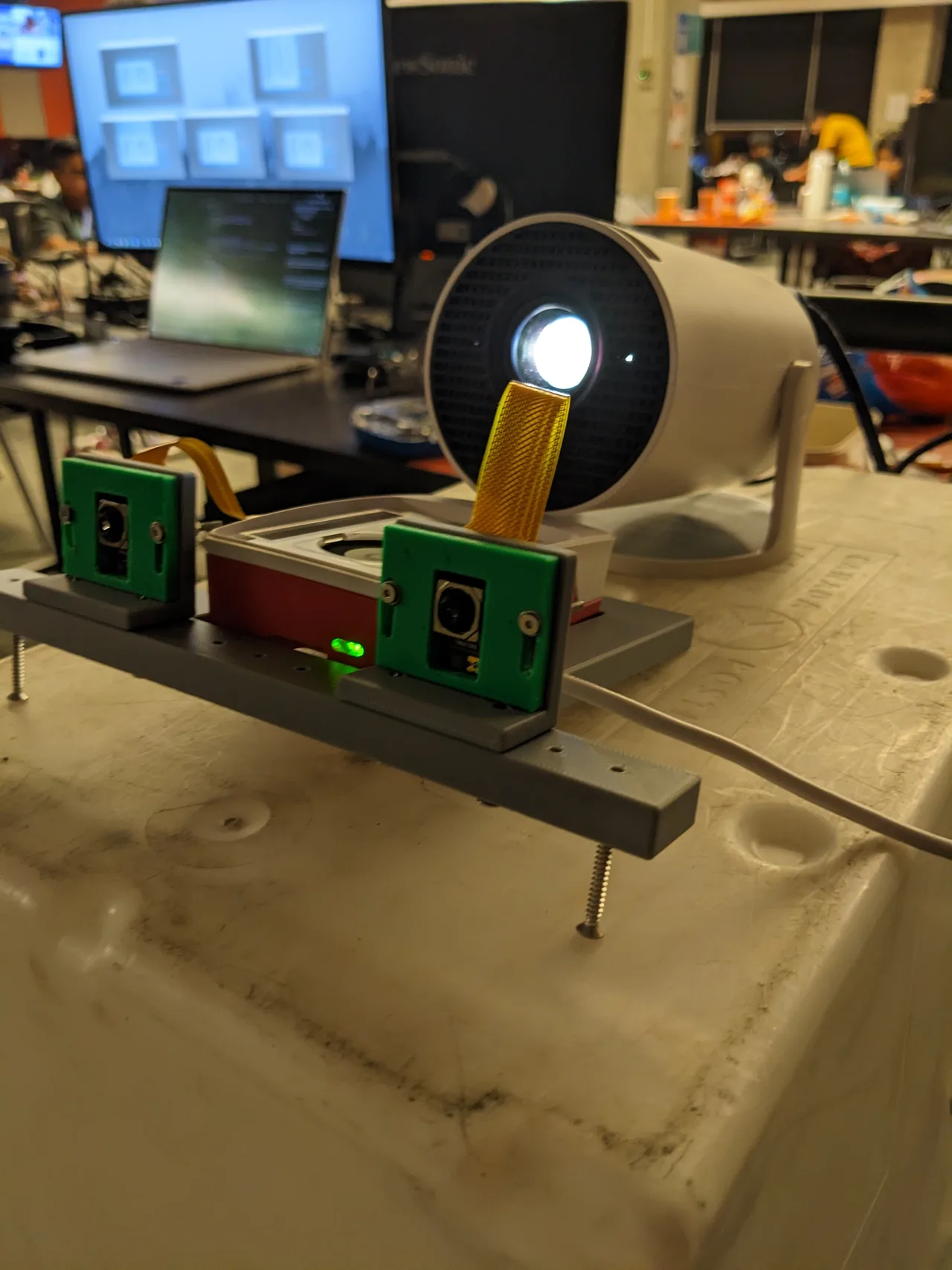
We had two Camera Module 3s connected to a Raspberry Pi 5. The Pi streamed both camera views to the laptop using MediaMTX. We ran MediaPipe on each view to find the joints in your hand, and matched the fingertip positions between the two views to figure out where your hand was in 3D space. We made custom gestures so you could click, scroll, move the cursor, all by waving your hand around in mid-air.
The ArUco markers are the little squares in the calibration image. OpenCV uses their known positions to work out where the screen is relative to both cameras. Then we can map your fingertip onto the screen and move the cursor there.
The best moment was during our demo for the judges. We brought everything we needed into this tiny room... except the remote that controls the projector. So the projector was on, but stuck on its home screen. Couldn't get HDMI from the laptop. A little awkward. I said, "You know what, let's try it on my laptop screen instead." We pointed the cameras at the laptop, ran the ArUco calibration (which we had never tested in this setup; we'd always been on the projector), and it just worked. Perfectly. The cursor moved exactly where it should.